
Free AI website builder unlimited credits is not a trial that expires after a few pages. On this platform, every plan—including the free one—gives you access to free AI models that generate websites, edit pages, and write copy without a credit meter blocking your work. If you have been comparing builders that charge per image, per section, or per AI prompt, this is the alternative that removes the meter entirely.
Most AI website builders sell "credits" as the unit of everything: one credit to generate a hero section, another to rewrite a paragraph, another to pick a color palette. Run out, and you either wait for a monthly reset or upgrade. This platform works differently. Free models are available on all plans, and the credit system exists to measure usage, not to gatekeep features. You can build, preview, and publish without watching a counter tick down.
This guide explains what "unlimited credits" means here, which free AI models you can use on every plan, how the credit system actually works, and how to build your first site without paying for generations. It also compares the approach with builders that do charge per generation, so you can decide what fits your workflow.
What "free AI website builder unlimited credits" actually means
The phrase "unlimited credits" sounds like marketing, so it is worth defining precisely. On this platform, "unlimited" means three things:
- No per-generation charge. Creating a page, generating a section, or asking the AI to rewrite copy does not deduct a credit balance that, once empty, stops you from building.
- Free models on every plan. The free tier, Basic, Pro, and Max all include access to the same free AI models for website generation, editing, and copywriting.
- Publish without a paywall. A site built with free models can be published on a free plan. You are not required to upgrade just because you used the AI builder.
This is different from builders that advertise a "free plan" but hide the AI features behind a credit wall. On those platforms, you can open the editor for free, but the moment you ask the AI to write a headline or generate a layout, you are asked to buy credits. Here, the AI builder is part of the product on every plan.
Free AI models on all plans
Every plan includes free AI models that power the website builder. These are the models that generate layouts, write copy, suggest color schemes, and turn a plain description into a working page.
What the free models can do
- Generate a full website from a prompt. Describe your business, audience, and goal, and the builder produces pages, navigation, and placeholder content.
- Edit existing pages with AI. Select a section and ask the AI to rewrite it, shorten it, or change the tone.
- Generate images and icons. The builder can create visuals to fill empty sections without leaving the editor.
- Write meta tags and copy. Page titles, descriptions, and calls to action are generated in the editor.
Because these models are free on all plans, a user on the free tier has the same AI generation capabilities as a user on Max. The difference between plans is not access to models; it is limits on published sites, storage, custom domains, and team seats. The AI builder itself is not gated.
If you are comparing platforms, our comparison of AI coding tools uses task-level pricing rather than headline numbers, and the same logic applies here: check what you can actually build, not what the pricing page promises.
How the credit system works without blocking you
Credits still exist on this platform, but they work as a measurement tool, not a gatekeeper. Here is the distinction:
| Credit-based builders | This platform |
|---|---|
| Each AI generation deducts from a monthly balance | AI generation is included on every plan |
| Empty balance stops AI features until next month | No empty balance stops the builder |
| Upgrade required to restore AI access | No upgrade required to keep building |
| Free plan often excludes AI entirely | Free plan includes free AI models |
On this platform, credits track usage so you can see how much you are generating, but they do not switch off the AI builder when you reach a number. A free user can generate a ten-page site and publish it without ever seeing a "credits exhausted" message.
For teams that need higher limits on published sites, custom domains, or priority support, paid plans exist. But those upgrades are about scale and ownership, not about unlocking the AI models themselves.
What to expect from free AI models on your first site
Free AI models are capable, but they work best when you give them clear direction. Expect a good first draft, then plan a short round of editing. Most of the time spent on a site goes into deciding what it should say, not into waiting for the AI.
Here is what a typical first session looks like when you use free models for an afternoon:
- The first generation produces the structure: pages, navigation, a hero section and placeholder copy. It usually gets the layout right and the wording generic.
- The second pass is where you add facts. Replace invented prices, opening hours and testimonials with your real details, and ask the AI to rewrite sections around them.
- The third pass handles tone and length. Shorten long paragraphs, match the voice of your brand and check that every call to action says what happens next.
Because the models are free on every plan, you can repeat any of these passes without pausing to check a balance. That matters most for copy: the first version of a headline is rarely the one you keep.
Common mistakes to avoid
Unlimited generation makes it easy to over-generate. These are the mistakes we see most often:
- Publishing placeholder text. Generated names, addresses and reviews look real but are not. Check every factual line before you publish.
- Regenerating the whole site when one section needs a fix. Select the section and ask for a change instead, so the parts you already approved stay the same.
- Skipping the mobile preview. A layout that looks balanced on desktop can stack awkwardly on a phone. Preview both before you publish.
- Keeping every generated image. Choose the ones that match your brand and remove the rest, so the page loads quickly.
Build your first site with free AI models
Here is the end-to-end flow for building a site with the free AI website builder:
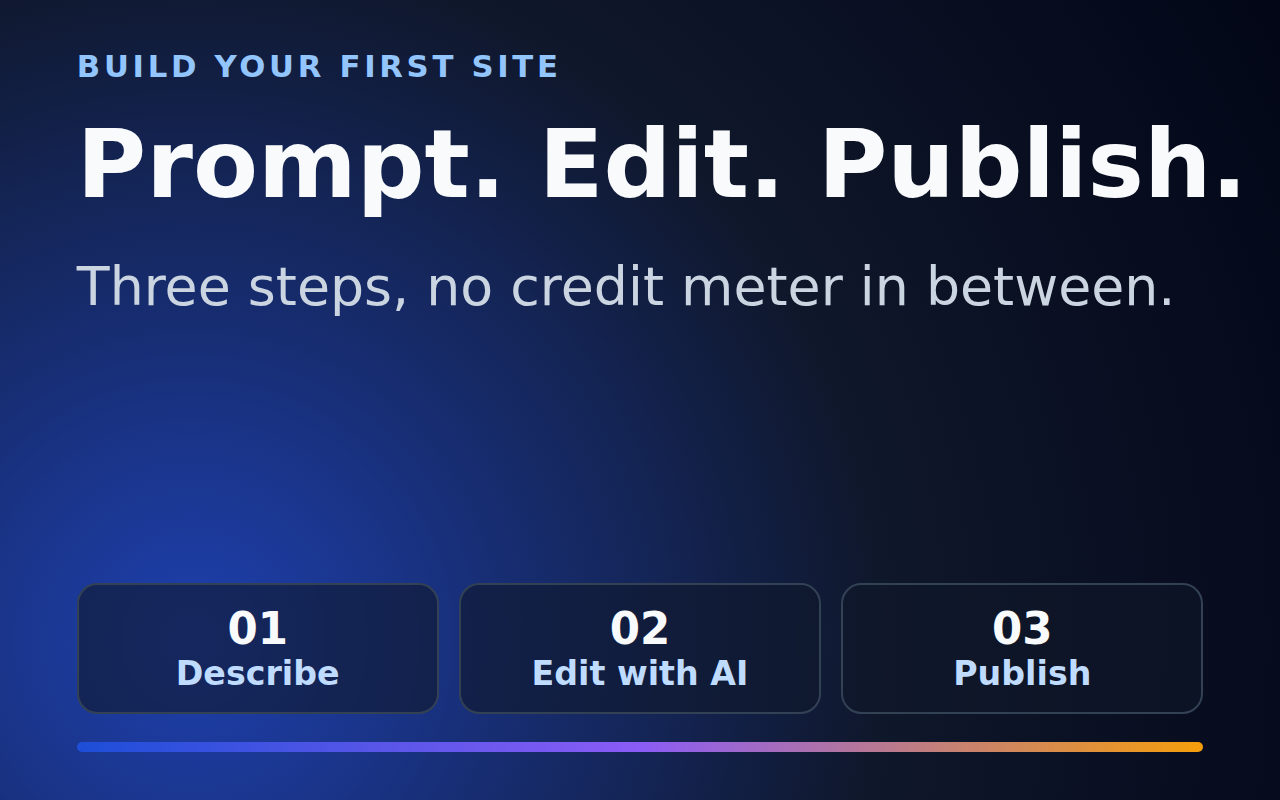
- Start from a prompt. Open the builder and describe what you need: a restaurant site, a portfolio, a landing page for a SaaS product, or a local business page.
- Let the AI generate the structure. The free models create pages, navigation, hero sections, and placeholder copy based on your description.
- Edit with AI. Select any section and ask the AI to rewrite the copy, adjust the length, or change the tone. No credits are deducted for these edits.
- Add your own content. Replace placeholder text and images with your brand assets. The editor accepts uploads and external links.
- Preview and publish. Preview on desktop and mobile, then publish. Publishing on a free plan does not require a credit balance.
The whole process can take minutes. Because the AI models are free, there is no pressure to finish quickly before a balance runs out. You can iterate on the design, regenerate sections, and compare layouts without watching a meter.
Keeping the site up to date after launch
A website is not finished when you publish it. Prices change, services are added, and seasonal offers come and go. With free AI models on every plan, updating the site is a routine task rather than a budget decision.
A simple monthly routine works well for most small businesses:
- Review the facts on every page: prices, opening hours, contact details and links.
- Refresh one section with the AI, such as a seasonal offer or a new case study, instead of rewriting the whole page.
- Check the mobile view after each change, since small text edits can shift the layout on narrow screens.
- Look at the copy once for clarity. Ask the AI for a shorter version of any paragraph that runs past four sentences.
Because you are not counting generations, you can make small updates as they come up. Many sites go stale because each change feels expensive. Free models remove that cost, so the site stays accurate.
Free vs paid: what actually changes
If the AI builder is free on all plans, what do paid plans add? The difference is in scale, not in model access:
| Feature | Free plan | Paid plans |
|---|---|---|
| Free AI models | Included | Included |
| AI website generation | Included | Included |
| AI editing and copywriting | Included | Included |
| Published sites | Limited number | Higher limit or unlimited |
| Custom domain | Not included | Included on most plans |
| Storage and bandwidth | Free-tier allowance | Higher allowances |
| Priority support | Community support | Email or priority support |
This separation matters because it means you are never forced to upgrade just to finish a site you started with the AI builder. You can build the entire thing on the free plan, then upgrade only when you need a custom domain or more published sites.
If you want to see how the plans compare in detail, our pricing guide breaks down Free, Basic, Pro, and Max side by side.
Why unlimited credits change how you build
When AI generations are metered, people change how they work. They write shorter prompts, avoid regenerating sections, and stop experimenting. That is the opposite of what a website builder should encourage.
With free AI models on every plan, you can:
- Generate multiple versions of a landing page and compare them side by side.
- Rewrite copy until it sounds right without worrying about a credit balance.
- Build for clients and hand off sites without passing along a per-generation cost.
- Experiment with layouts that you would not try if every section cost a credit.
This is especially useful for agencies and freelancers. A builder that charges per AI generation makes client work unpredictable: a revision round can burn through credits fast. A platform with free models on all plans turns website building into a fixed-cost service.
How this compares with other AI builders
Many popular AI website builders use credits as their primary revenue lever. A typical flow looks like this:
- Sign up for a free plan.
- Use the AI to generate a hero section. One credit gone.
- Ask the AI to write an about page. Another credit.
- Generate an image for the footer. Another credit.
- Balance hits zero. Upgrade or wait.
On this platform, that flow does not exist. The free AI models are available from the first prompt to the last publish, on every plan. You are not building toward a credit wall; you are building toward a finished site.
For a direct comparison of AI coding and website tools, see our comparison of AI coding tools. The same principle applies: look at what you can build without hitting a paywall, not just at the starting price.
Free AI-built sites still need to rank and load fast
A free AI website builder is only useful if the sites it produces get found and load quickly. Unlimited generation does not change the basics of search. Pages still need a clear title, a useful description, fast loading, and content that answers a real question.
Google publishes guidance on what makes content helpful to people, and it applies to AI-assisted pages as much as to hand-written ones. Its helpful content guidance asks whether a page was made for people first, with real expertise behind it. Use the free models to draft, then edit the copy so it reflects your actual business.
Speed matters too. Google's Core Web Vitals documentation explains the loading, interactivity and layout measures it uses. A free-model site with compressed images and short sections usually scores well on these measures, because the builder does not add heavy scripts to every page.
- Write a specific title for each page that names the service and the place or audience.
- Compress images before upload, or let the builder handle them, so the page stays light.
- Keep paragraphs short and use headings, so visitors and search engines can scan the page.
Accessibility: free models, same standard for every visitor
Accessibility is part of quality, and the free models can help you meet it if you ask for it. When you generate a page, request alt text for every image, a logical heading order, and clear button labels. Then check the result yourself.
The Web Content Accessibility Guidelines (WCAG) from the W3C are the standard most teams use. The most common problems on AI-generated pages are missing alt text, low colour contrast on decorative backgrounds, and links whose text says only "click here". Fixing these takes minutes in the editor and costs nothing extra on any plan.
| Check | What to look for | How to fix it in the builder |
|---|---|---|
| Alt text | Every meaningful image has a description | Ask the AI to write alt text for each image, then edit it |
| Headings | One H1, then H2 and H3 in order | Regenerate the structure with a heading rule in the prompt |
| Contrast | Text is readable on its background | Pick a darker text colour or a lighter background |
| Link text | Links describe their target | Rewrite "read more" to name the page |
A site that is easy to read and use tends to keep visitors longer, and that is a stronger signal than any single keyword. Because the models are free on every plan, you can run these checks as many times as you need.
Free AI website builder unlimited credits: frequently asked questions
Do I need to pay to use the AI website builder?
No. The free AI models are included on every plan, including the free plan. You can generate websites, edit pages, and publish without buying credits.
Are there any limits on AI generations?
Credits track usage, but they do not switch off the AI builder. You can keep generating and editing on every plan.
Can I publish a site built with free models?
Yes. Sites built with free AI models can be published on a free plan. You are not required to upgrade just because you used the AI builder.
What is the difference between free and paid plans?
Paid plans add higher limits on published sites, custom domains, storage, and support. The AI models themselves are free on all plans.
Which free AI models are available?
The platform includes free models for website generation, page editing, copywriting, and image generation. These models power the builder on every plan.
Conclusion: build without watching a meter
Free AI website builder unlimited credits means exactly what it says: you can build websites with AI on every plan without a credit meter blocking your work. The free models handle generation, editing, copywriting, and images, and they are available from the free plan up.
If you have been held back by builders that charge per image, per section, or per prompt, this is the alternative. Start with a prompt, generate your site, edit it with AI, and publish—all without watching a balance tick down.
Ready to start? Open the builder and describe your first site. The free AI models are already waiting.