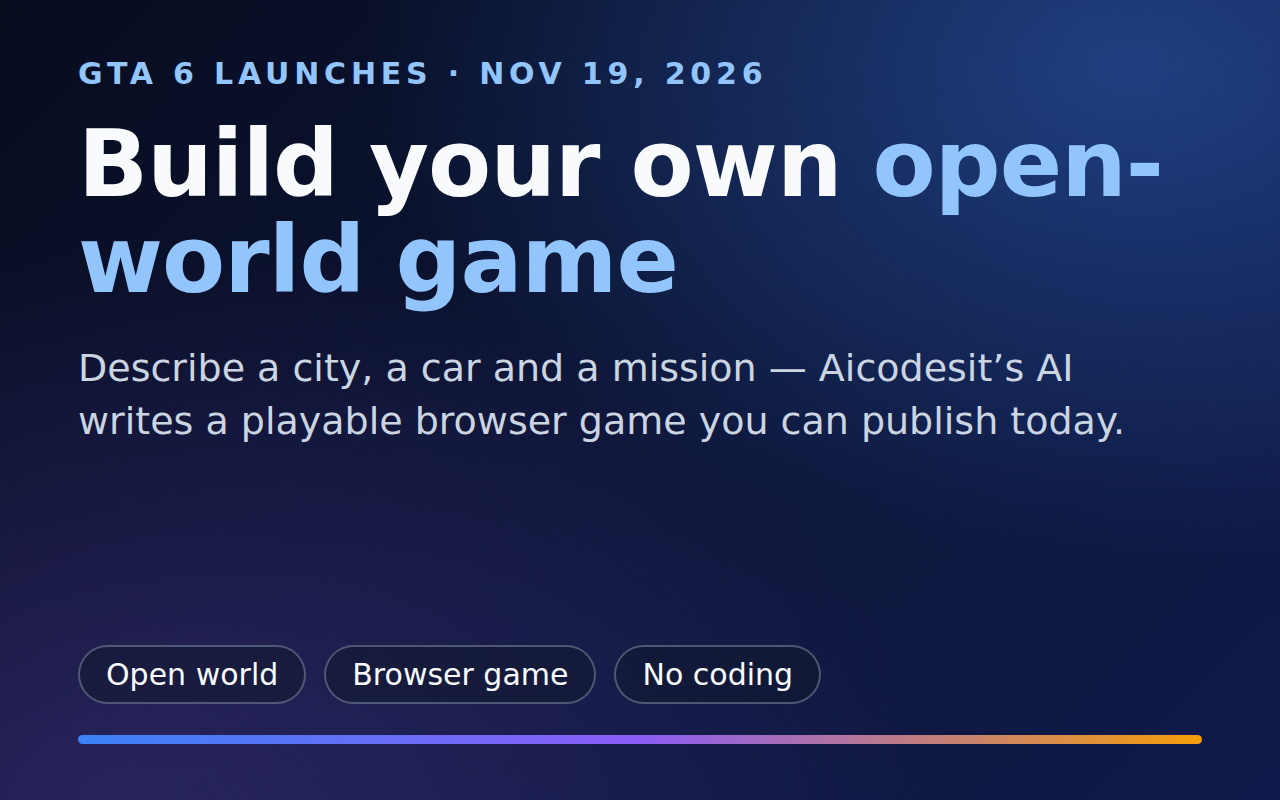
GTA 6 launches on November 19, 2026, and millions of players will spend the next weeks exploring its new city. Plenty of them will also have the same thought: what would my own version of a game like this look like? With Aicodesit you can find out today. You describe the game in plain language, the AI writes the code, and a few minutes later you are driving your own car through your own city in the browser — ready to share with friends through a link.
This guide shows how anyone, with no programming experience, can build a GTA-style open-world game with AI: what is realistic, the exact prompts to start with, how to add missions and a wanted level step by step, and how to publish the result. We also cover the one rule that keeps your game safely yours: be inspired by GTA, but don’t copy it.
GTA 6 launch: what to know first
Rockstar’s Grand Theft Auto VI releases on November 19, 2026 for PlayStation 5 and Xbox Series X|S, and the date Rockstar set after its November 2025 delay has held, as ABC News reports. Digital preloading started on November 10. There is no PC release date yet, and the game launches single-player only; online play is expected later, according to Yahoo Tech’s launch guide.
That gap is exactly where your own game fits. If you play on PC, a laptop or a phone, or you simply want to create instead of only play, a browser game you build yourself runs anywhere — no console, no download, no waiting.
What you can realistically build with AI
Let’s be honest about scale. GTA 6 is the work of thousands of people over many years; no tool turns one sentence into that. What AI can do today is build a fun, playable game in the same genre, and grow it with you, one request at a time. On Aicodesit that typically means a browser game built with standard web technology (HTML, JavaScript and a 3D library such as Three.js, or a 2D canvas for a top-down style) that includes:
- A drivable car with acceleration, braking, steering and a follow camera.
- A small city: a grid of streets, blocks of buildings, parks, a beach or a harbor — generated from simple shapes, so it loads fast.
- Missions: drive to a marker, deliver a package before the timer runs out, escape a chase.
- A wanted level: stars that rise when you break the rules and police cars that follow you until you lose them.
- A HUD and minimap: speed, money, mission text and a small map in the corner.
- On-foot mode: get out of the car, walk around, enter another vehicle.
- Sound and polish: engine sounds, a radio with your own music, a day-night cycle, a start menu and a high-score table.
- Touch controls so friends can play on their phones.
Start top-down 2D if you want the quickest result (think of the very first GTA games), or go 3D for a modern open-world feel. Both work in any modern browser.
Step by step: build your GTA-style game on Aicodesit
1. Create a free account and a new project
Sign in or create a free account, then start a new project. You get an AI chat, a live preview and the project files side by side — no installation needed. If you have never built anything with AI before, our beginner’s guide explains the basics in nine steps.
2. Start small with your first prompt
The most common mistake is asking for everything at once. Ask for the core loop first: a car you can drive in a small city. Copy this prompt and adjust it:
Build a 3D open-world driving game that runs in the browser. Use Three.js. Create a small city of 6×6 blocks with streets, simple box buildings in different heights and colors, a park and a harbor. The player drives a car with WASD or the arrow keys, with a camera that follows behind the car. Add simple collisions with buildings, a speedometer in the corner and a start screen with the game title “Neon Bay”. Keep everything in one page so it loads fast.
Within a few minutes the preview shows your city. Drive around, then tell the AI what feels wrong (“the car turns too fast”, “the camera is too low”) — small, specific requests work best.
3. Add missions
Add a mission system. Show a glowing marker somewhere in the city; when the player drives into it, start a delivery mission: drive to a second marker within 60 seconds. Show the mission text and timer at the top, give $500 on success, and show “Mission failed” if time runs out. Keep a money counter in the HUD.
4. Add a wanted level and police
Add a wanted level with up to 3 stars. Driving through red lights or hitting other cars raises it. With 1 or more stars, police cars spawn and chase the player; the stars drop again after 20 seconds without being seen. If police block the car for 3 seconds, the player is “busted” and loses $200.
5. Add a minimap, traffic and sound
Add a round minimap in the bottom-left corner that shows the streets, the player and mission markers. Add simple AI traffic that drives along the streets and stops at junctions. Add engine sound that rises with speed and a car radio that plays a looping track I will upload.
Want custom artwork? Ask the AI to generate a title image, a logo for your fictional city or textures for billboards, and upload your own music or sound effects to the project.
6. Make it work on phones
Add on-screen touch controls for phones: a steering joystick on the left and gas/brake buttons on the right. Hide them on desktop.
7. Publish and share
When you are happy, press Publish. Your game gets its own web address you can send to friends or post on social media, and you can connect your own domain if you want a real home for it. Keep improving it after launch — every change you publish goes live for your players.
10 prompt ideas to make your game stand out
- Your own city: “Turn the city into a neon-lit coastal town at night with palm trees and a pier.”
- A story: “Add three story missions with short dialogue boxes between two original characters, Maya and Rico.”
- Heists: “Add a heist mission: pick up two crew members, drive to the bank, then escape a 3-star chase.”
- Vehicles: “Add a motorbike, a sports car and a boat with different handling.”
- Day and night: “Add a day-night cycle of 5 minutes with streetlights that turn on at night.”
- Weather: “Add rain that makes the roads slippery.”
- Side jobs: “Add taxi jobs: pick up passengers at random spots and drive them to their destination for money.”
- Shops: “Add a garage where the player spends money on paint colors and engine upgrades.”
- Stunts: “Add ramps around the city and reward airtime with bonus cash.”
- Leaderboard: “Save the best delivery times in a leaderboard so friends can compete.”
Inspired by GTA, not a copy: the one rule that matters
“Build your own GTA 6” is a great way to describe the idea — but the game you publish should be your own. The name Grand Theft Auto, the GTA logo, its characters (such as the game’s protagonists), its fictional state and cities, its music and its artwork belong to Rockstar Games and Take-Two Interactive. Using them in a game you publish can get it taken down and can lead to legal trouble.
The good news: genres are free for everyone. Open-world driving, missions, police chases and a wanted level are ideas many games share. So:
- Invent your own name and logo (“Neon Bay”, “Palm City Rush”, “Harbor Heat” …) — don’t put “GTA” in the title.
- Create original characters, cities and story. Don’t recreate GTA’s map, missions or characters.
- Use your own or properly licensed music and assets, never ripped audio, models or images from the game.
- Describe it honestly, for example “an open-world driving game inspired by classic crime-action games”.
This isn’t just about avoiding problems. A game with its own identity is the one people remember and share. (This is general guidance, not legal advice.)
Tips for a better result
- One feature per request. Test after each step; it is much easier to fix one thing than ten.
- Describe what you see. “The police cars drive through buildings” beats “the police are broken”.
- Keep it light. Simple shapes and a small city load fast on every device; add detail later.
- Save good versions. When something works well, keep a note of it before trying a big change.
- Watch your AI budget. Bigger requests use more AI credits; our guide to AI costs and budget limits shows how to keep track.
Who this is for
- Players who want to create their own driving and mission game while waiting for, or after finishing, the big one.
- Students and beginners learning how games work, by reading the code the AI writes and changing it.
- Creators and streamers who want a custom mini-game for their community.
- Indie developers who want to prototype an open-world idea in an afternoon before investing weeks.
GTA 6 and building your own game: frequently asked questions
When does GTA 6 come out?
GTA 6 releases on November 19, 2026 for PlayStation 5 and Xbox Series X|S. Rockstar has not announced a PC release date, and online multiplayer is expected after launch.
Can I make my own GTA 6 with AI?
You can make your own open-world game in the same genre — with driving, missions, police chases and a wanted level — using AI on Aicodesit, without coding. It will be a browser game you can grow step by step, not a copy of Rockstar’s game, and it should use your own name, characters and city.
Do I need to know how to code?
No. You describe what you want in plain language and the AI writes the code. If you are curious, you can open the files and learn from them, but it is not required.
Is it free?
You can start on the free plan and build a first version. Larger games with many changes use more AI credits, which paid plans and credit top-ups cover.
Can I use GTA characters, music or the GTA name?
No. Those belong to Rockstar Games and Take-Two Interactive. Use original characters, your own game name and your own or licensed music so your game can be shared without problems.
Will my game work on phones?
Yes, if you ask for touch controls. Browser games run on phones, tablets and computers, and players only need the link.
Can I play GTA 6 on PC?
Not at launch. Rockstar has not announced a PC date. A browser game you build yourself, however, runs on any PC today.
Ready to build yours? Start a free project on Aicodesit, paste the first prompt from this guide and take your first drive through a city you designed.