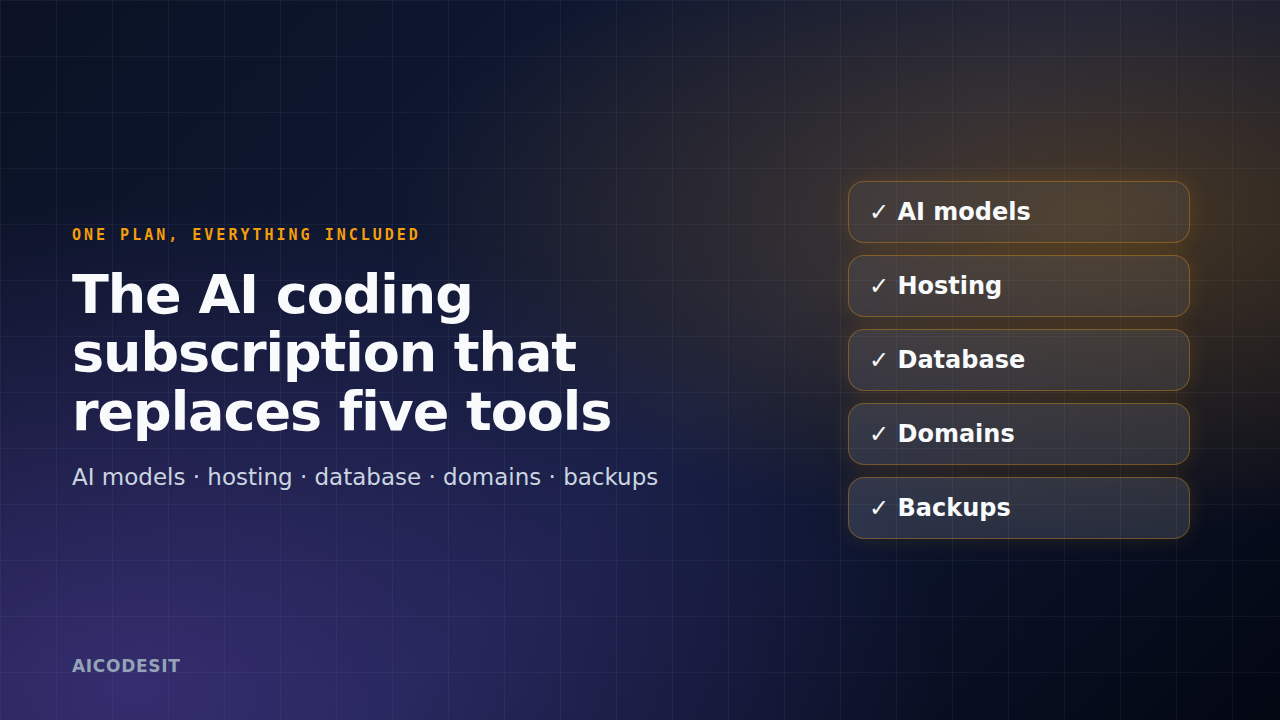
An AI coding subscription should do more than give you a chatbot. If you want to build real apps with AI, you need the AI models, a place to run your code, a database, hosting, a domain and backups — and most people end up paying for five different tools to get them.
This guide explains why one Aicodesit plan replaces that whole stack, what each plan includes, and how to get the most out of it for real AI work: apps, agents, automations, images and video.
The problem with stacking AI tools
Building with AI today often looks like this: a chat subscription for one model, another subscription for a second model because it is better at code, an AI code editor, a hosting provider, a database service and a domain registrar. Each one has its own bill, its own login and its own limits.
Popular chat assistants such as ChatGPT and Claude each charge a monthly fee for their paid tiers, and AI code editors like Cursor add another one. None of them hosts your finished app or gives you a database. By the time your project is online, you are paying several subscriptions — and still copying code between tools by hand.
An AI coding subscription that includes everything removes that friction. You describe what you want, the AI builds it, and it is already running, hosted and backed up in the same place.
What an Aicodesit AI coding subscription includes
Every paid Aicodesit plan gives you a complete workspace for building with AI:
- AI models included — Unlimited, Low, Medium and Maximum, from quick edits to hard problems, with a monthly AI allowance in your plan.
- Publishing and hosting — your site goes live on a free *.aicodesit.app subdomain, with automatic SSL.
- Custom domains — connect your own domain to your projects.
- Code editor and file manager — see and edit every file the AI writes.
- Auth, SQL database and edge functions — real backends with user accounts, data and server code.
- Agentic loops and a skills editor — let the AI work through multi-step tasks and teach it your own skills.
- Full-stack backups and restores — roll back code and data when something goes wrong.
- Image and video generation — create visuals for your projects without another tool.
- AI memory and a codebase graph — the AI remembers your project and you can see how it fits together.
- Internet and browser access — the AI can research, read websites and test your app in a real browser.
That is the whole stack — AI, code, backend, hosting and domains — in one AI coding subscription.
AI coding subscription plans and prices
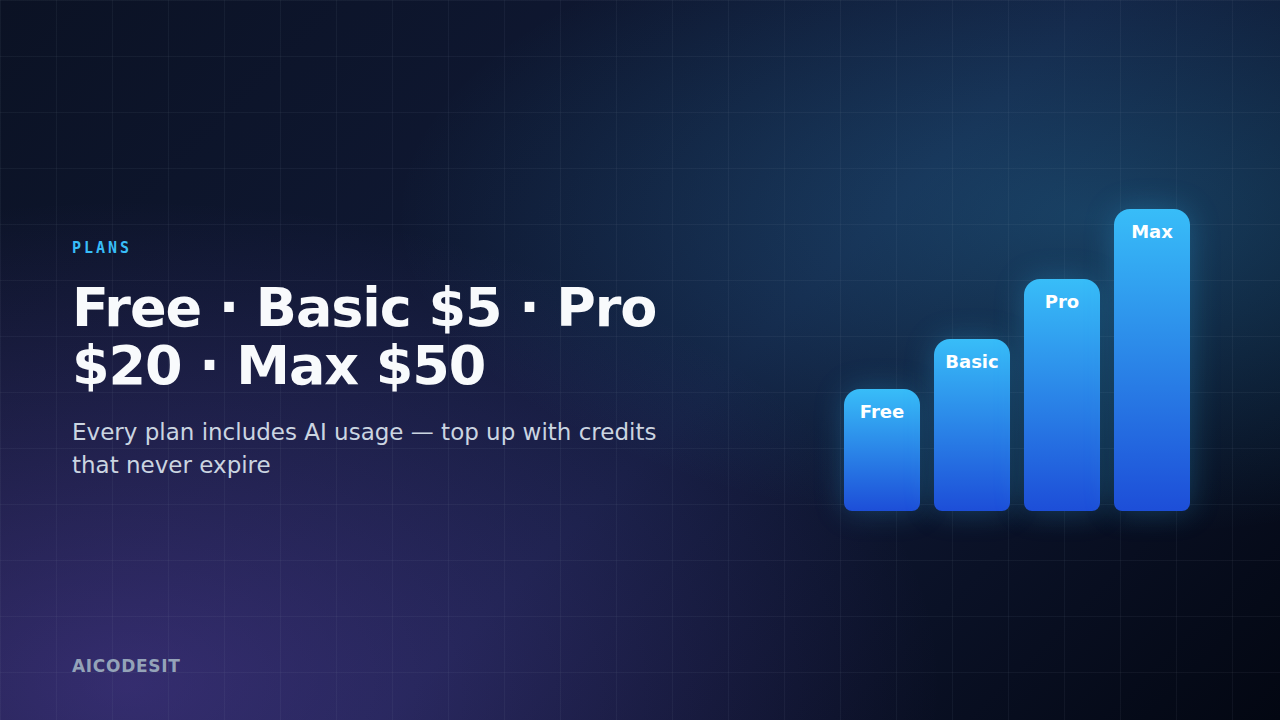
Aicodesit has four plans. All of them let you buy extra AI credits at any time, and purchased credits never expire.
| Plan | Price | What you get |
|---|---|---|
| Free | $0 | Try the IDE with free AI models and a small AI allowance. Preview your sites (publishing needs a paid plan). |
| Basic | $5 / month | 5× more AI usage, 1 published website with 3 GB storage, a custom domain and every builder feature. |
| Pro | $20 / month | 20× more AI usage, 10 published websites with 20 GB storage and 10 custom domains. |
| Max | $50 / month | 50× more AI usage, 50 published websites with 50 GB storage, 50 custom domains and priority builds. |
Prices are per month and you can cancel anytime — you keep your plan until the end of the period. For the details of how usage windows and credits work, read our simple pricing explainer or go straight to the pricing page.
Which plan should you choose?
Basic: your first real project
Basic is for one serious website or app: a portfolio, a landing page for your business, a small booking tool. At $5 a month it costs less than a single hosting plan elsewhere — and the AI that builds and maintains the site is included.
Pro: builders and freelancers
Pro is the plan for people who build regularly. Ten published sites cover several of your own projects or a handful of client websites, and 20× more AI usage than Free means you can work on bigger features every week.
Max: power users and small agencies
Max is for heavy AI work: many projects, long building sessions and priority builds. If you run several products, build for clients or use the AI every day, Max gives you the most AI usage per dollar.
Use your subscription for real AI work
An AI coding subscription is not only for websites. Because every project has a database, server functions and internet access, you can build actual AI products.
AI apps your users can use
Build tools that use AI for your own visitors: a text summariser, a product description writer, a chatbot that answers questions about your business, or an assistant that fills in forms. The AI writes the app, the database stores the results and the edge functions do the work on the server.
Agents and automations
With agentic loops and scheduled functions, the AI can build workflows that run on their own: collect data every morning, send a weekly report, check a website for changes or process new sign-ups. You describe the job; the AI builds and tests it.
Images and video
Generate hero images, product shots, illustrations and short video clips directly in your projects. No separate image tool, no exporting and uploading — the media lands in your project storage, ready to use.
Research and testing in a real browser
The AI can open websites, read documentation, compare competitors and test your own app in a real browser — taking screenshots to check that everything looks right on desktop and mobile. Read more about it in our post on the AI browser agent.
10 project ideas for your AI coding subscription
Not sure what to build first? These ideas use the features every paid plan includes:
- A booking site for a salon, a coach or a restaurant — calendar, time slots and email confirmations.
- A client portal where your customers log in to see invoices, files and project updates.
- An AI writing tool that turns a few keywords into product descriptions or social posts.
- A price tracker that checks a list of products every morning and emails you when one drops.
- An internal dashboard that pulls numbers from your tools and draws charts your team can filter.
- A quiz or mini-game with a leaderboard, to grow your audience.
- A small online shop with product pages, a cart and an admin panel.
- A lead form with AI follow-up that answers new enquiries with a personalised first reply.
- A document tool that turns uploaded PDFs or photos into something useful, like a summary or a table.
- A personal knowledge base with search, tags and AI-written summaries of your notes.
Each of these would normally need a developer, a hosting plan and a database. With an AI coding subscription, you describe it and the AI builds, hosts and stores it for you.
What you can build in a month on each plan
A month on Basic
Build and publish one complete website — for example a business site with a contact form, a booking page and a small blog — then keep improving it every week. Your custom domain points to it, and backups keep every version safe.
A month on Pro
Run several projects side by side: your own site, a side project with user accounts and a database, and a couple of client websites. With 20× more AI usage than Free, you can build new features every week without worrying about the tank.
A month on Max
Build like a small agency or a product studio: many published sites, long daily building sessions, AI agents that run on schedules, and priority builds so your previews are ready faster.
What "AI usage" actually means
Every plan includes a monthly AI allowance. Each time the AI reads your project and writes an answer, a small part of that allowance is used — bigger tasks use more, small edits use less, and the Unlimited model doesn't use it at all.
To keep the AI available all the time, the allowance is spread over a 5-hour window and a weekly window that refill on their own. A fuel tank in the IDE shows how much is left, so there are no surprises. If you need more in a busy week, you can top up with AI credits that never expire.
"5×", "20×" and "50×" on the plans compare each plan's AI usage with the Free plan — Max gives you fifty times as much AI work as Free every month.
The same app, built two ways
Imagine you want a booking app for your business, with user accounts, a database and your own domain.
With separate tools
You ask a chat assistant for code, paste it into an editor, set up a database service, create a hosting account, configure the domain and SSL, and then go back to the chat every time something breaks — copying error messages back and forth. Every tool has its own subscription and its own learning curve.
With one AI coding subscription
You open a new project and write: "Build a booking app for my salon with user accounts, a calendar and email confirmations." The AI creates the pages, the database tables and the server code, tests it in a real browser and shows you the live preview. You connect your domain and press publish. When you want a change, you ask in the same chat.
Who an AI coding subscription is not for
To be honest about it: if you are an experienced developer who already runs your own servers and only wants AI autocomplete inside your editor, a pure AI code editor may suit you better. And if you only need to ask an AI questions now and then, a chat subscription is enough.
An all-in-one AI coding subscription shines when you want finished, working, hosted products — and you would rather spend your time on the idea than on setting up infrastructure.
Why one plan beats five tools
No copy-paste between tools
When the AI, the code and the hosting live in different places, you spend your time moving code around. In one workspace, the AI edits the real files of your running app, and the preview updates right away.
One bill you can predict
One AI coding subscription with a clear price is easier to plan than five subscriptions with five different limits. The fuel tank in the IDE shows exactly how much AI usage you have left, and the costs of every reply are visible.
Security handled for you
Your code runs in an isolated environment, your sites get SSL automatically, and backups are built in. You don't need to configure servers or firewalls yourself — read more in our post on secure website hosting.
The AI knows your whole project
Because everything lives together, the AI can read your files, your database structure and its own memory of your project. That context makes its work better — and saves AI usage, because it doesn't have to rediscover your project every time.
How to get the most from your AI coding subscription
- Pick the right model: Unlimited for small edits (it doesn't use your allowance), Medium for most building, Maximum for hard problems.
- Keep one chat per task: follow-up messages in the same chat are much cheaper thanks to caching.
- Use compaction: the context ring keeps long chats affordable.
- Save decisions to memory: so you never explain the same thing twice.
We collected all of our insider tips in one guide: 12 tips to make your AI credits last longer.
Getting started in five minutes
- Create a free account and open the dashboard.
- Start a project and describe what you want to build in plain English.
- Watch the AI build it in the live preview and ask for changes in the chat.
- Upgrade to a paid plan when you are ready to publish, connect your domain and use more AI.
- Publish with one click — your site is online with SSL.
You can start on the Free plan to see how the AI works, and upgrade only when your project is ready to go live.
Aicodesit vs other ways to build with AI
If you are comparing options, these posts go deeper:
The short version: AI code editors are great if you already know how to code and host apps yourself. An all-in-one AI coding subscription is better if you want to go from idea to a live product without managing servers, databases and domains.
A quick checklist before you upgrade
Ask yourself these questions to pick the right AI coding subscription:
- How many sites do I want online? One → Basic. A few of my own or for clients → Pro. Many → Max.
- How often will I build? A couple of evenings a month → Basic. Every week → Pro. Every day → Max.
- Do I need my own domain? Every paid plan includes custom domains.
- Will I run AI agents or automations? They use AI regularly — Pro or Max give you the room for it.
- Do I have a launch coming up? A few extra AI credits are a good safety net for the busy week.
You can always start smaller and upgrade later — your projects, files and data move with you.
FAQ about the AI coding subscription
Can I switch plans later?
Yes. You can upgrade or change your plan from the dashboard whenever your projects grow. Your projects stay exactly where they are.
Which AI models are included?
Every plan can use our four models — Unlimited, Low, Medium and Maximum. Paid plans simply give you much more AI usage with the stronger ones.
Can my app use AI for its own visitors?
Yes. With the database and edge functions included in your AI coding subscription, the AI can build features that call AI for your users, like summaries, chatbots or writing helpers.
Do I need to know how to code?
No. You describe what you want in plain English and the AI writes the code. If you do know how to code, you can open every file in the editor and change it yourself.
What happens if I run out of AI usage?
Your AI usage refills automatically in 5-hour and weekly windows. If you need more right away, you can buy AI credits at any time — they never expire and are used automatically when a window is empty.
Can I cancel anytime?
Yes. You can cancel from your dashboard at any time and keep your plan until the end of the period you paid for.
Can I use my own domain?
Yes. Every paid plan includes custom domains — one on Basic, ten on Pro and fifty on Max.
Is my code mine?
Yes. Your projects, files and data belong to you, and full-stack backups let you restore any earlier version.
Start building today
One AI coding subscription, everything included: AI models, hosting, database, domains and backups. Try it free, then pick the plan that fits your projects.
Compare the plans or open your dashboard and describe your first app — the AI takes it from there.