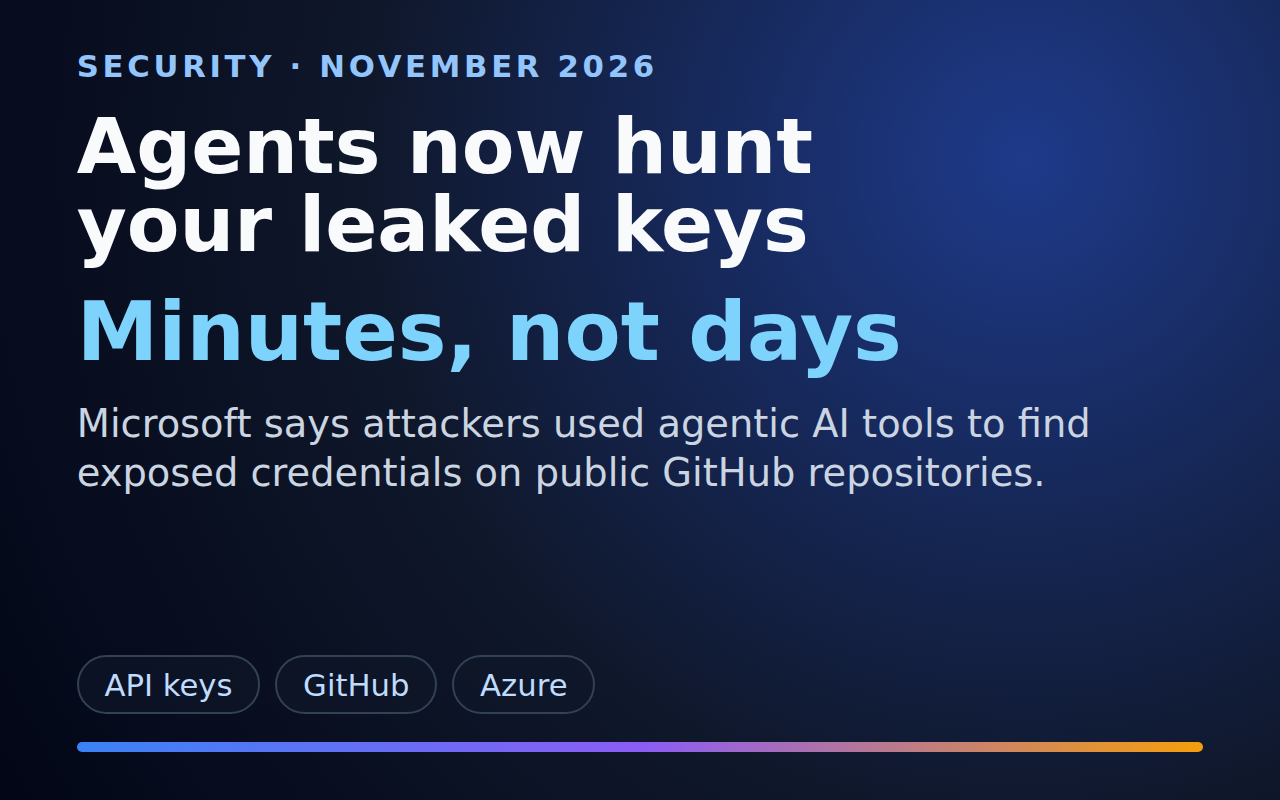
AI agents are now hunting exposed API keys, and the speed is the new problem. On November 5, 2026, Microsoft's Threat Intelligence team published a report describing threat actors who use agentic AI tooling to search public code repositories for leaked passwords, application credentials and API keys, then use those secrets to reach cloud systems. An API key that once sat in a public commit for days can now be found and tested in minutes. For anyone who builds websites, apps or products with AI, the lesson is simple: a key in the wrong place is no longer a small mistake.
This post explains what Microsoft reported, how the attack works step by step, why AI service credentials are the prize, and what to check in your own projects this week. Company statements are labeled as such. Where a detail comes from secondary coverage rather than the primary report, we say so.
What Microsoft reported on November 5
Microsoft's post is titled "Threat actors use agentic AI tooling to find and abuse exposed secrets". The core finding is that searching open code repositories for credentials is an old technique. What has changed is that automation removes the time it used to take. Attackers can run AI agents that scan public repositories around the clock, sort what they find and try each credential against live services without a person in the loop.
According to Microsoft, the activity it observed went after several kinds of secrets:
- Ordinary credentials such as passwords and connection strings that developers accidentally committed.
- Application credentials, including client secrets for OAuth applications and service principals.
- API keys for AI inference services, which Microsoft says the agents repeatedly favored.
- OAuth applications with access to Foundry Tools, the service formerly known as Azure Cognitive Services.
Microsoft also describes how the agents adapted when something failed. In the report, failed cloud API requests were followed by changes to HTTP methods or API versions, and then by successful HTTP 200 responses. In other words, the agents did not simply give up after the first error. They tried variations until a request worked, which is exactly what a human attacker would do, only faster and at a much larger scale.
Microsoft states that the activity began in August 2026. The company's wording focuses on what the agents did with the secrets once they had them, which is where the real damage happens: reaching cloud environments and extracting data.
Note: Several news sites summarized the report on November 6, including Digit. Their headline point matches Microsoft's report: attackers used AI to find exposed secrets and to access cloud systems. For exact technical indicators, read Microsoft's original post.
How the attack works, step by step
The attack Microsoft describes is not one clever exploit. It is a pipeline, and each step is easy to automate. Understanding the pipeline makes it clearer where you can break it.
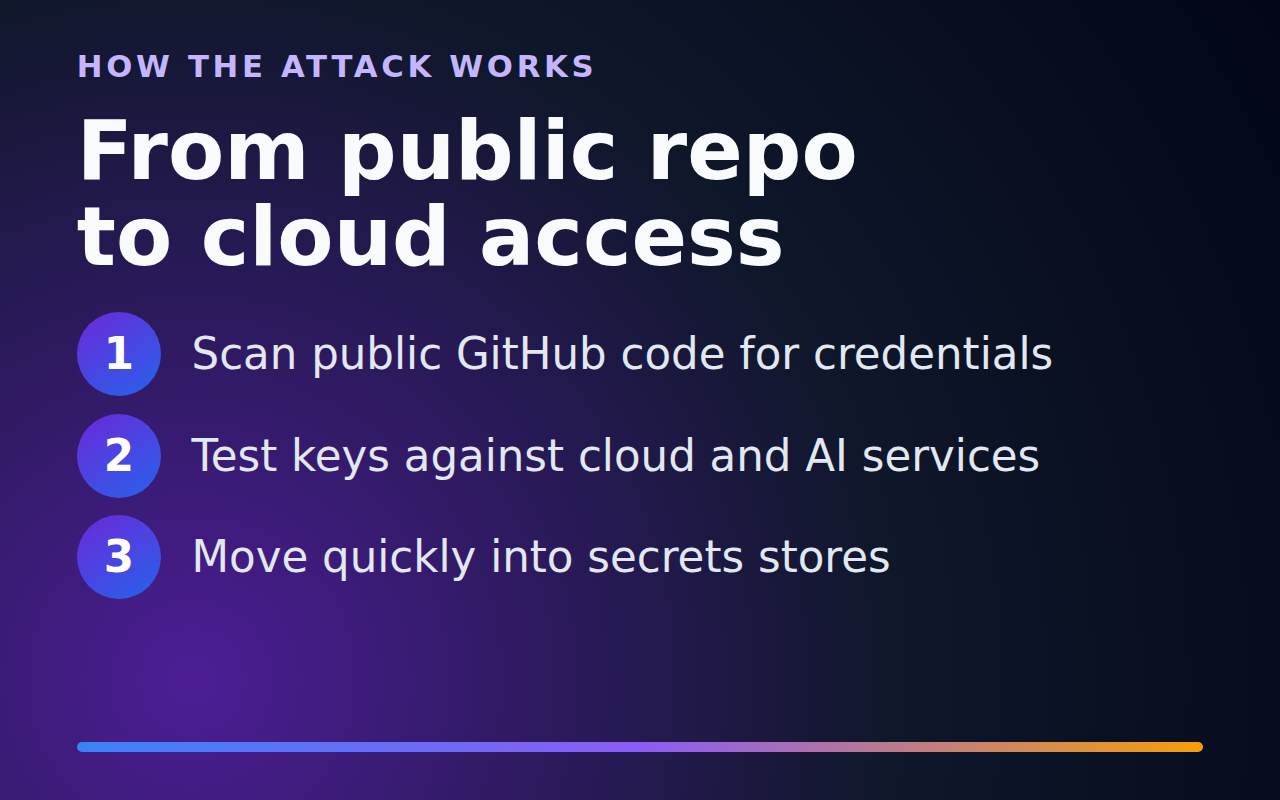
Step 1: Scan public code for credentials
The first step is discovery. Public repositories contain millions of files, and many of them include strings that look like keys: a prefix, a fixed length, a pattern of letters and digits. Simple scanners have searched for these patterns for years. An AI agent adds judgment. It can read the surrounding code, guess which variable holds a live secret, skip obvious placeholders and rank what is worth testing.
This is the part that changed most. A traditional scanner returns a list of matches that a person must sort through. An agent returns a shortlist and moves on to the next step on its own.
Step 2: Test keys against live services
Next, the agent checks whether a credential still works. This is the step where the failed-request pattern in Microsoft's report appears. A request fails, the agent changes the method or the API version, and it tries again. A success with HTTP 200 tells the attacker the key is valid and shows which permissions it grants.
Many leaked keys are never rotated. Developers remove the line from the file, but the key stays valid on the provider's side, so it can still be used long after the commit was "fixed."
Step 3: Move quickly into secrets stores and data
A valid key is a starting point, not the goal. If the credential belongs to a cloud account, the attacker looks for ways to widen access: other secrets stored in the same account, service accounts with broader rights, and vaults that hold many keys at once. Some secondary reports on the same campaign describe data being pulled out of Azure Key Vaults within minutes of the first leak. We could not confirm that timing from Microsoft's own text, so treat it as a reported example, not a measured average.
The speed is the real change. A human attacker might spend a day working through one leaked key. An agent can test thousands of keys in the same time and keep only the ones that open a door.
Why AI service keys are the prize
Microsoft's note that agents "repeatedly demonstrated a focus" on AI credentials matters for every team that uses AI in its product. There are three reasons an AI key is attractive to an attacker.
- They can be resold or used for free compute. An inference key lets someone run models on someone else's bill. Attackers can use it for their own work or sell access.
- They often come with broad permissions. Teams create one key for a whole project, and that key can call many models, read logs or manage resources.
- They sit next to other sensitive systems. AI apps usually connect to databases, storage buckets, email and payment tools. A single AI key can be the first step to all of them.
The same concern appears in other reporting this week. SecurityWeek reported on November 4 that at least a dozen AI developer platforms had been hit over the previous month, naming companies such as WorkOS, Northflank, Trigger.dev and Chainstack. The article said attackers appeared to be looking for AI access tokens they could monetize, and that intruders reached AI provider credentials through the intermediary layer of hosting platforms, evaluation services and developer consoles. You can read the full report in SecurityWeek's coverage of the AI-linked breaches.
In other words, the risk is not limited to one repository or one company. It runs through the tools that developers use to build and host AI products.
A pattern across AI developer platforms
When you look at the Microsoft report and the platform breaches together, a pattern appears. Secrets leak in three common places, and each one deserves a check.
Public repositories
A key pushed to a public repository should be treated as compromised the moment it is pushed, even if the commit is later deleted. Git keeps history, forks and caches copy the code, and scanners index it quickly. Deleting the line is not enough. The only safe response is to revoke the key and issue a new one.
Hosting and deployment platforms
Many AI apps put keys into environment variables on hosting platforms. Those variables are convenient, but they are also visible to anyone who gains access to the platform account, to build logs that echo values by mistake, and to any integration that has been granted broad access. Limit who can read secrets, and check whether logs ever print them.
Shared developer consoles and tools
Evaluation services, dashboards and team tools often ask for a key to connect. If one of those vendors is breached, the key you gave it can be exposed too. Use separate keys for each integration, so you can revoke one without breaking everything.
What to do this week
You do not need a security team to act on this news. The steps below take an afternoon for a small project and a few days for a larger one. They are ordered by how quickly they reduce risk.
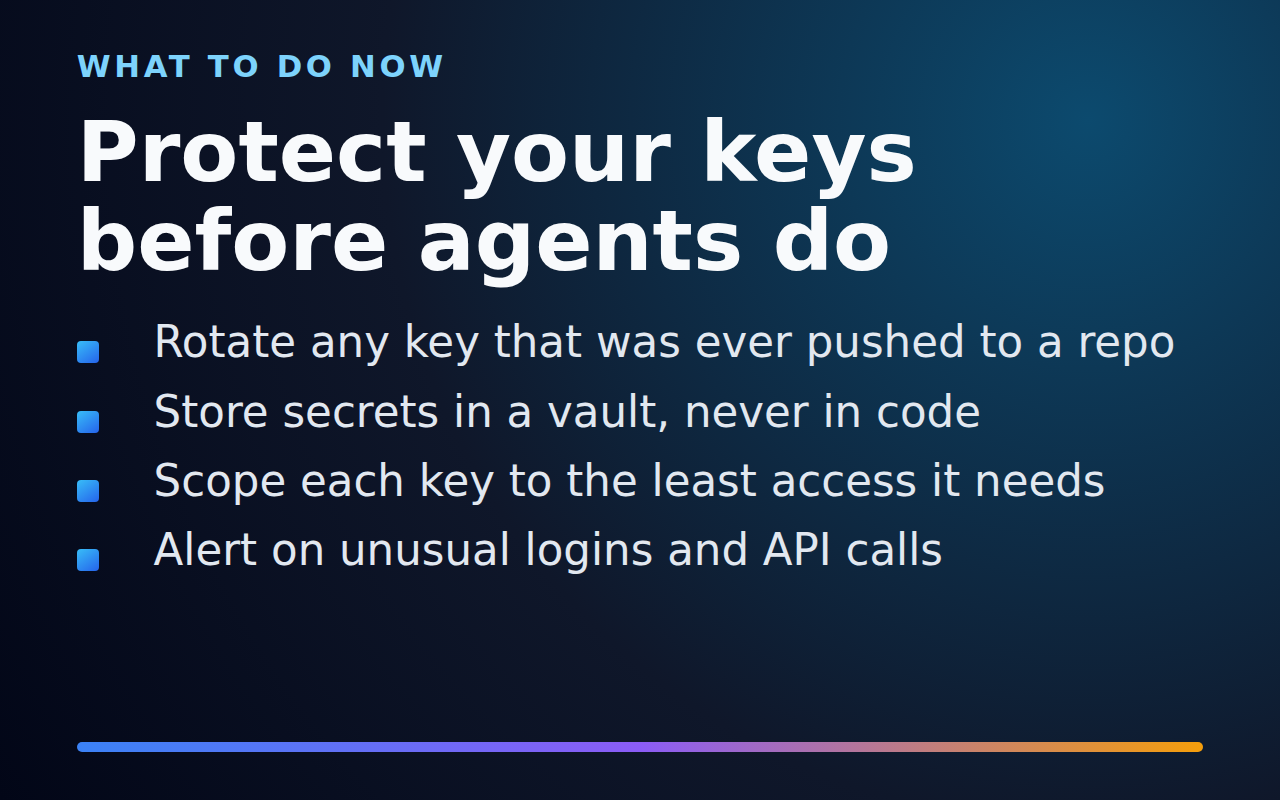
Rotate any key that was ever public
Search your repositories, including old branches and forks you control, for anything that looks like a key or password. For every match, revoke the key with the provider and create a new one. Then update the new key in your hosting platform. Rotation matters more than cleanup: a key you removed from the code but never revoked is still usable.
Scanning tools can help. Many code hosts offer built-in secret scanning, and open-source scanners can run in your continuous integration pipeline so that new leaks are caught before they are pushed.
Store secrets in a vault, never in code
Keys belong in an environment variable or a secrets manager, not in source files, configuration committed to Git, or front-end JavaScript. Anything that ships to the browser is public by definition, so AI keys must stay on the server side. If your app calls an AI model from the browser, move that call behind a server endpoint that holds the key.
Our guide to secure website hosting covers the layers that protect the server side, from access control to patching.
Scope each key to the least access it needs
A key for a chatbot should not be able to manage billing, read every project or delete resources. Most providers let you create keys with limited permissions or separate projects for each app. Use them. When a key is exposed, the damage is limited to what that key could already do.
Alert on unusual logins and API calls
Set spending limits on AI providers so a stolen key cannot run up an unlimited bill. Turn on usage alerts for sudden spikes, calls from new regions or unfamiliar models. Review audit logs for cloud accounts, and check who has signed in recently. Microsoft's report shows that attackers try variations until something works, so repeated failed requests followed by a success are a signal worth watching.
For agents you run yourself, the same logic applies. Our article on AI agent control explains how to set permission boundaries so an agent can only do what you have approved.
Agents cut both ways
There is an uncomfortable irony in this story. The same agentic tools that help attackers find leaked keys also help defenders find and fix them. Scanning a repository for secrets, reviewing logs and rotating credentials are all tasks an AI agent can do quickly. The question is who uses the tools first and how carefully.
That is why the best defense is not a single product. It is a habit: assume that any secret that touches a public surface will be found, keep secrets out of code, limit what each key can do and watch for unusual behavior. Those habits work regardless of how clever the scanner is.
It also connects to the earlier news in our AI news this week update, where OpenAI described an AI pipeline that found and patched Linux kernel flaws. The capability that finds bugs for defenders is the same one attackers use. Patch speed and secret hygiene now matter more than they did a year ago.
Building with AI safely in practice
If you are building a website, app or internal tool with AI, a few practical rules cover most of the risk described above.
- Never paste a real key into a prompt. Chat logs, shared screenshots and AI coding sessions can keep text longer than you expect.
- Use placeholders in examples. When an AI tool generates sample code, replace the key with a clearly fake value and load the real one from the environment.
- Review generated code before you commit it. AI tools sometimes write example keys or hardcoded URLs. A quick search for common key prefixes catches most of them.
- Keep a list of every key. Know which provider, which project and which app each key belongs to, so you can revoke one without guessing.
- Sandbox agents that run commands. An agent that can read your environment variables can also send them somewhere else. Our AI sandbox article covers how to limit what an agent can touch.
None of these steps is exotic. They are the same basics security teams have recommended for years. What has changed is the time window. An exposed key used to give an attacker a few days. Now it can give them minutes.
What we are watching next
Microsoft's report is one data point, and several questions remain open. We are watching three of them.
- How widely the technique spreads. Microsoft describes activity beginning in August 2026. Whether it stays concentrated or spreads to more attackers will show how quickly agent-driven scanning becomes routine.
- Whether providers add default protections. Some code hosts already block known key formats on push. Watch for providers that revoke keys automatically once they appear in a public place.
- How regulators respond. If exposed credentials lead to customer data loss, incident reporting rules may apply. Rules differ by country and sector, so check the requirements that apply to your business.
We will update this article if Microsoft or other primary sources publish new details.
Frequently asked questions
What did Microsoft report about AI agents and API keys?
On November 5, 2026, Microsoft's Threat Intelligence team reported that threat actors use agentic AI tooling to search public code repositories for exposed passwords, application credentials and API keys, then use them to reach cloud systems. The report says the activity began in August 2026 and favored credentials for AI services.
Can an AI agent really find a key in a public repository?
Yes. Searching for key-shaped strings is old, but AI agents can judge which matches are live secrets, test them against services and retry failed requests automatically. That combination is what Microsoft describes as the new risk.
What should I do if I find a key that was committed by mistake?
Revoke it with the provider immediately, create a new key, and update your app's secret store. Deleting the line from the code is not enough, because the key stays valid until it is revoked.
Does this affect small websites, or only large companies?
Small projects are affected too. Automated scanning does not check how big a company is. Any public repository that contains a live key can be found, so the checks in this article apply to every project.
Where can I read the original report?
Microsoft's post is on the Microsoft Security Blog. Read it for the full technical detail and indicators.